AI HVAC assistant.
On every call.
DiagnosAir is an AI HVAC assistant in development. Show the equipment, capture your observations and find supporting service information for the call in front of you.
Get first access through the waitlist.
 DiagnosAirCONCEPT
Let’s take a look.
Start with the equipment in front of you.
Tell me what you’re seeing.Photo, voice or a quick question.
A source is only useful when it applies to this equipment.
Designed around evidenceTwo brands to start.


Trusted by our partners


See it. Say it.
Work through it.
Show the equipment. Explain the problem. Keep the next step clear.
Start with a photo.
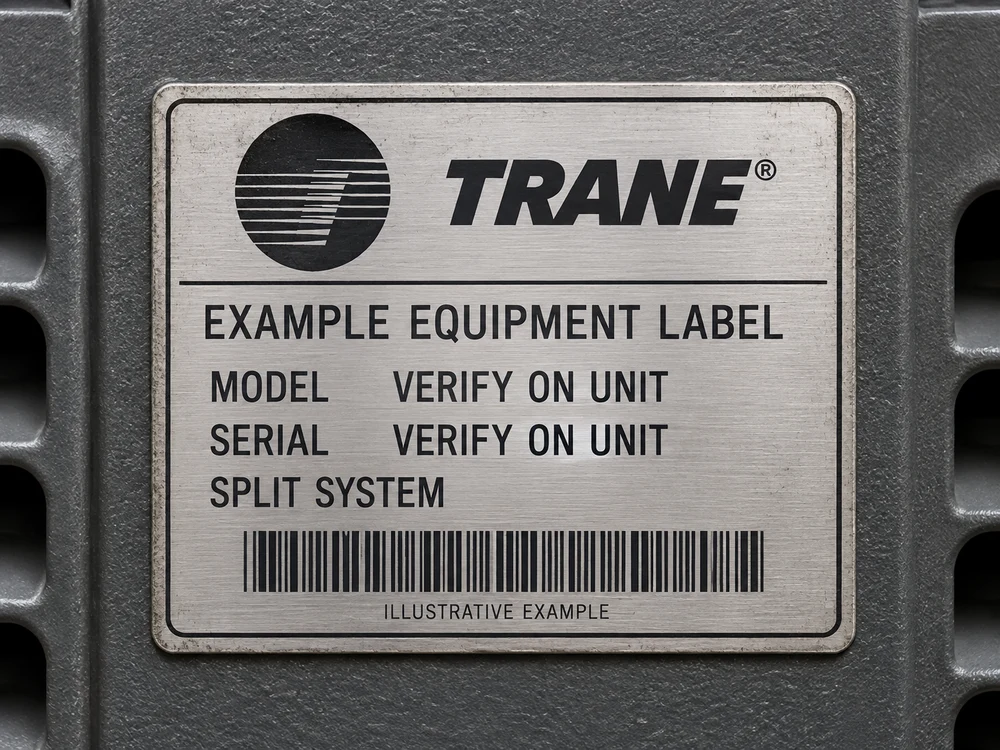
Capture the nameplate so you can confirm the model before going further.
DiagnosAirEXAMPLE Capture the nameplateLet’s confirm the model on the label.
Illustrative walkthrough · DiagnosAir is in development.
Step 1 of 3: Show the unit.Start with the equipment.
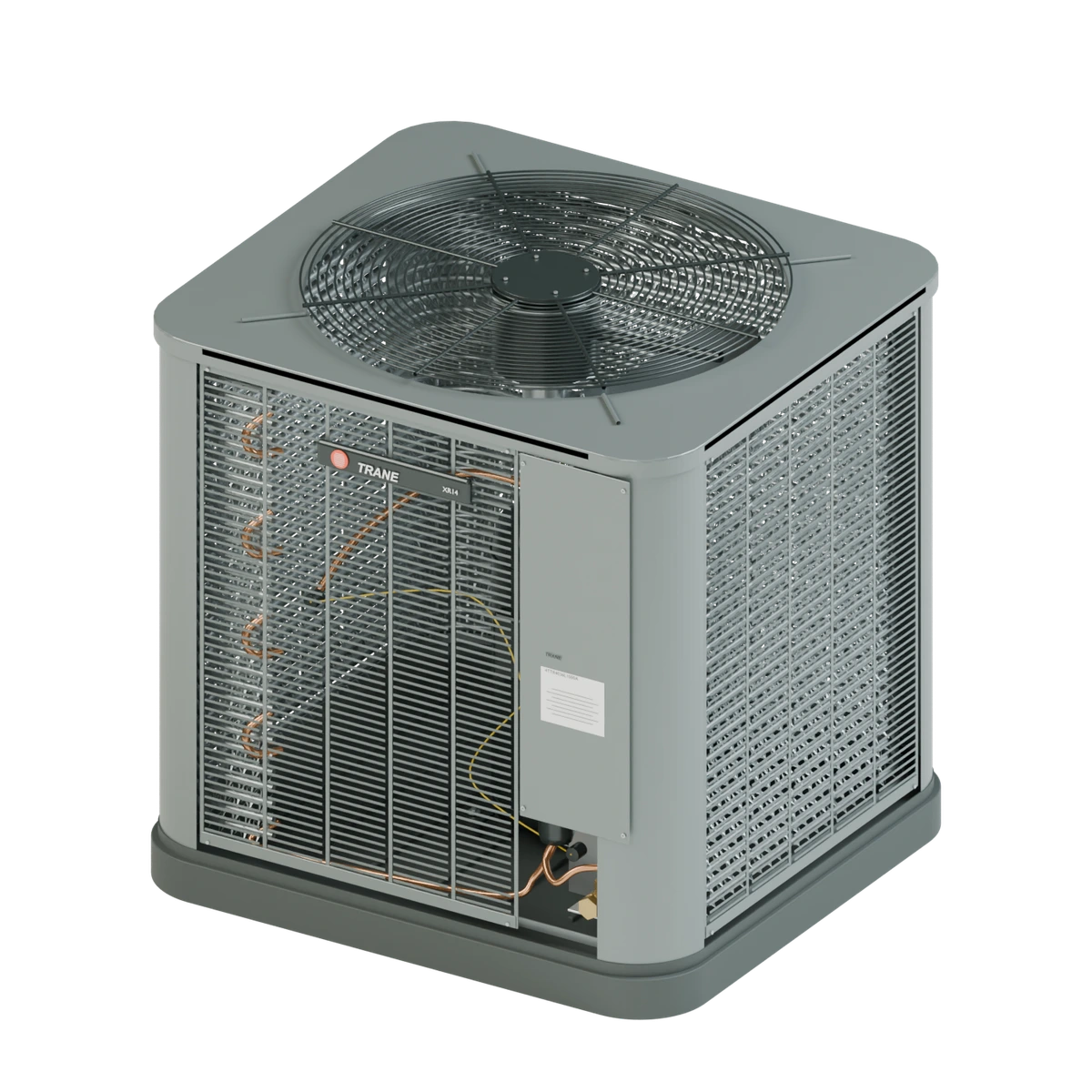
Meet the Trane XR14 outdoor condensing unit. Knowing the exact equipment is where a clearer service call begins.
The manual matters.
So does experience.
DiagnosAir is being built to combine equipment documentation with the practical knowledge of highly skilled HVAC technicians. Clear sources. Relevant checks. Useful context for the job in front of you.
Manufacturer knowledge
Manuals, wiring diagrams and service bulletins
Experienced technicians
Practical guidance from reviewed service cases
Your team's experience
Equipment history, readings and confirmed repairs
Every answer should start with the right equipment.
Built for the tech.
Useful to the whole shop.
Less friction on site
Find model-specific service information without losing your place in the call.
A clearer handoff
Share the symptom, readings and checks so your lead can pick up where you left off.
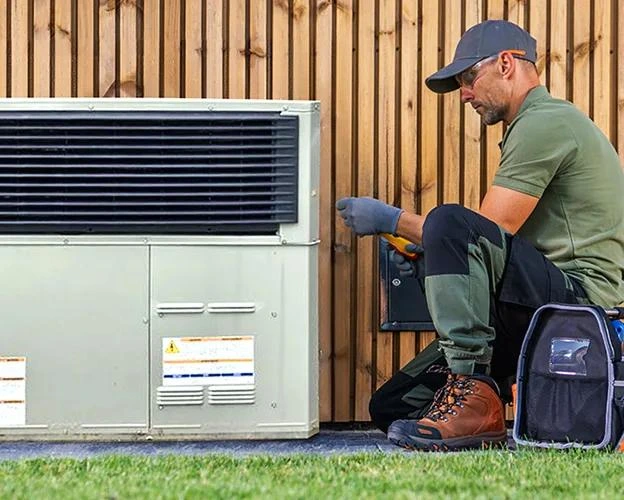 01 / AT THE UNIT
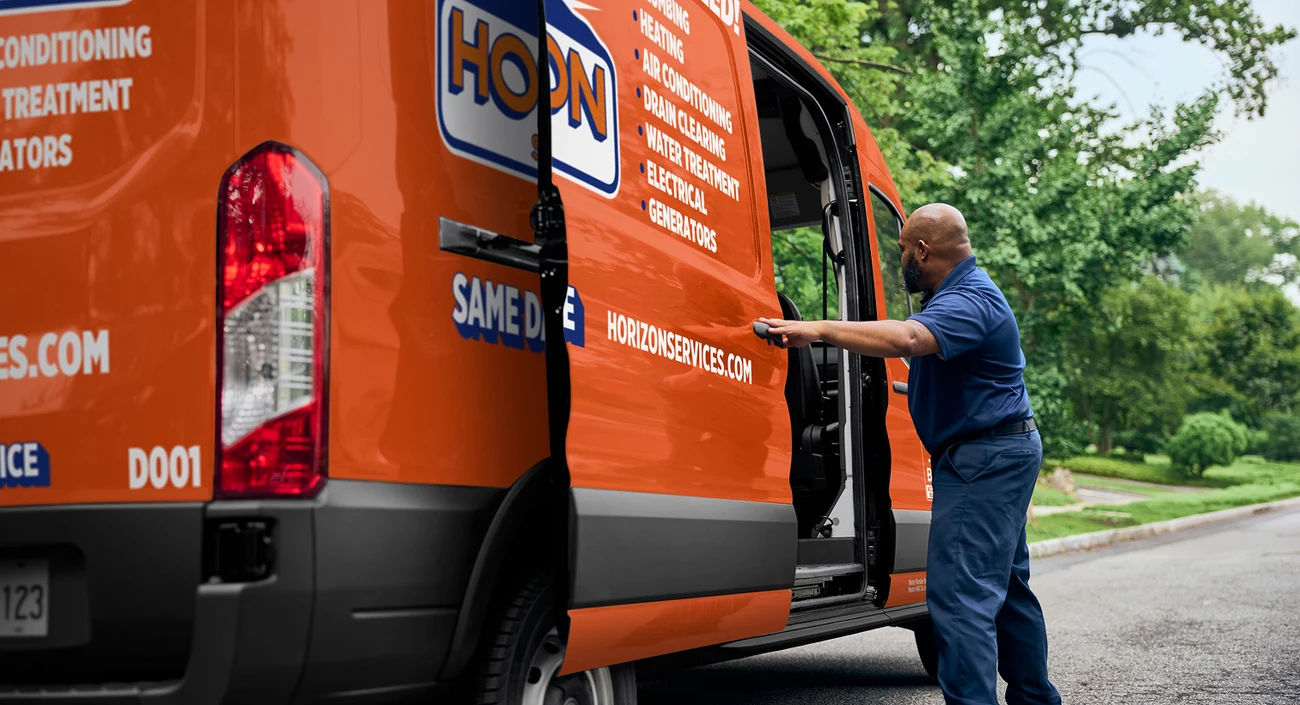 02 / ON THE NEXT CALL
Built around the way
good technicians work.
Read the equipment. Check the evidence. Keep the next person informed. DiagnosAir brings these habits into one service-call workspace, from the first label scan to the final job note.
Explore the service-call workflowGood questions.
Straight answers.
Can I download the mobile app yet?
Not yet. DiagnosAir is in the waitlist stage. We are planning an iOS and Android prototype for a small technician pilot before opening access more widely.
Can it diagnose a system from one picture?
A photo can help identify equipment and capture visible details. Reliable troubleshooting also needs the correct manual, the symptom, technician observations and any required measurements. DiagnosAir is being designed to ask for missing information rather than guess.
Will it work without a signal?
The mobile plan includes saved job notes and downloaded service information. New cloud AI answers will need a connection. Offline diagnostic guidance has not been built or validated yet.
Which equipment will DiagnosAir support first?
We are starting with selected Trane and Daikin equipment families for residential and light-commercial service work. The first pilot will focus on the systems our New Jersey teams see in the field.
Where will the answers come from?
Manufacturer manuals, service bulletins, and guidance developed with experienced HVAC professionals. DiagnosAir is designed to show the supporting information and keep model-specific procedures separate from field observations.
Will this replace manufacturer technical support?
The goal is to resolve more supported service questions without waiting on a call. The first release focuses on equipment identification, relevant service information, guided questions and clear handoffs. Manufacturer warranty decisions remain with the manufacturer.
Useful before the app arrives.
Better equipment records. Clearer handoffs. A practical way to evaluate AI tools.
More time at the unit.
Less time chasing answers.
We’re starting with a small technician pilot to learn where a companion earns its place on a service call.
Planned for iOS and Android · Waitlist openShape the companion
Learn from technicians. Build the equipment library. Refine the workflow.
Test on real phones
A small, supervised pilot for photo capture, voice and source-backed guidance.
Prove it saves time
Track time spent finding answers, calls to the lead and repeat visits. Useful help has to hold up in the field.
Bring a second set
of eyes to your next call.
Get early-access updates.
Help shape the first release.